How To Create Knockout Text In Procreate
Save money by creating your own stunning text designs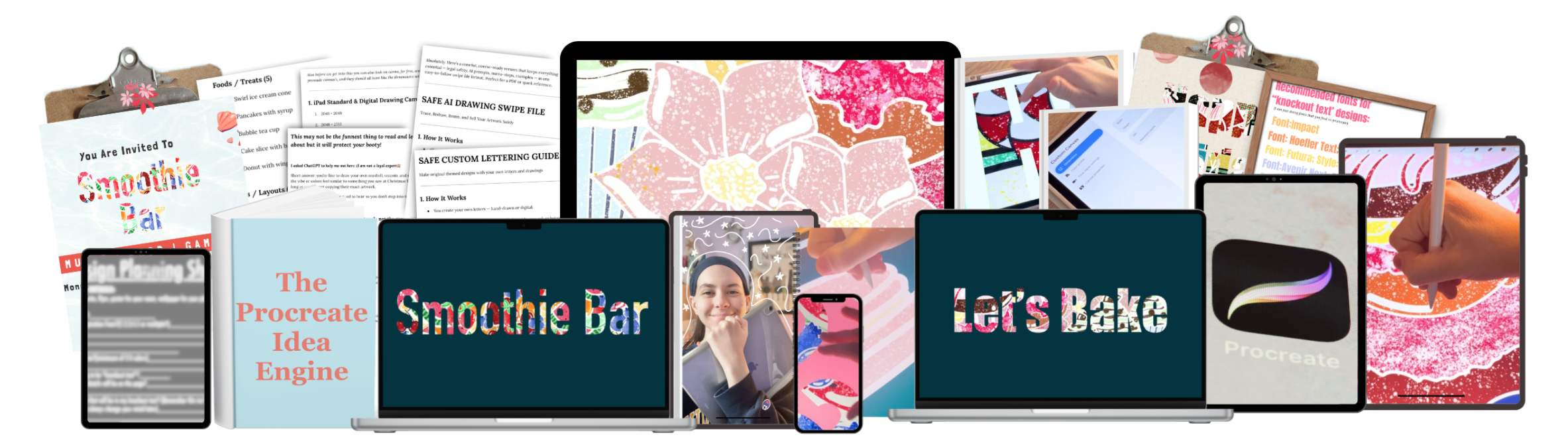
How To Create Knockout Text In Procreate
Save money by creating your own stunning text designs
Have you ever wondered who creates those pretty text designs being sold on Etsy or on IG posts, or even on placecards & invites?
People just like you and me! It's called Knockout Text! and it's actually way easier (AND CHEAPER) to make than you'd think! (No tech savviness or graphic design degree needed)
All you need for this course is an iPad, Apple pencil/your finger, and the Procreate App ($14 On Appstore)
Let me teach you how to make them!
After taking this course, you'll be able to create unlimited knockout texts on your iPad for $0.00! *Btw, Connie is my nickname & I changed it back to that yesterday, that's why it says "Sofi" here
Here's what you'll get inside:
✅ find inspiration ethically (for $0)
✅ choosing your theme & colors for your text
✅ canvas sizing for crisp, gorgeous results
✅ ethical tracing methods (legally covered)
✅ see every click I make (so you don't get lost!)
✅ How to create an element library to store elements for later use!
✅ step-by-step how I draw elements
✅ choosing fonts that work best for knockout text
✅ how to properly fill each letter with your design
✅ how to insert your design into each letter
✅ how to repurpose one design infinitely (for $0 as well)
✅ how to export for Instagram, print, or whatever you need!
FREE BONUSES:
🎨 6 PDF guides to optimize & protect your projects
🎨 design prompts to come up with unlimited, unique ideas for your project
🎨 [BONUS]: 2 of my favorite PRO tips
🎨 LIFETIME ACCESS TO THIS COURSE
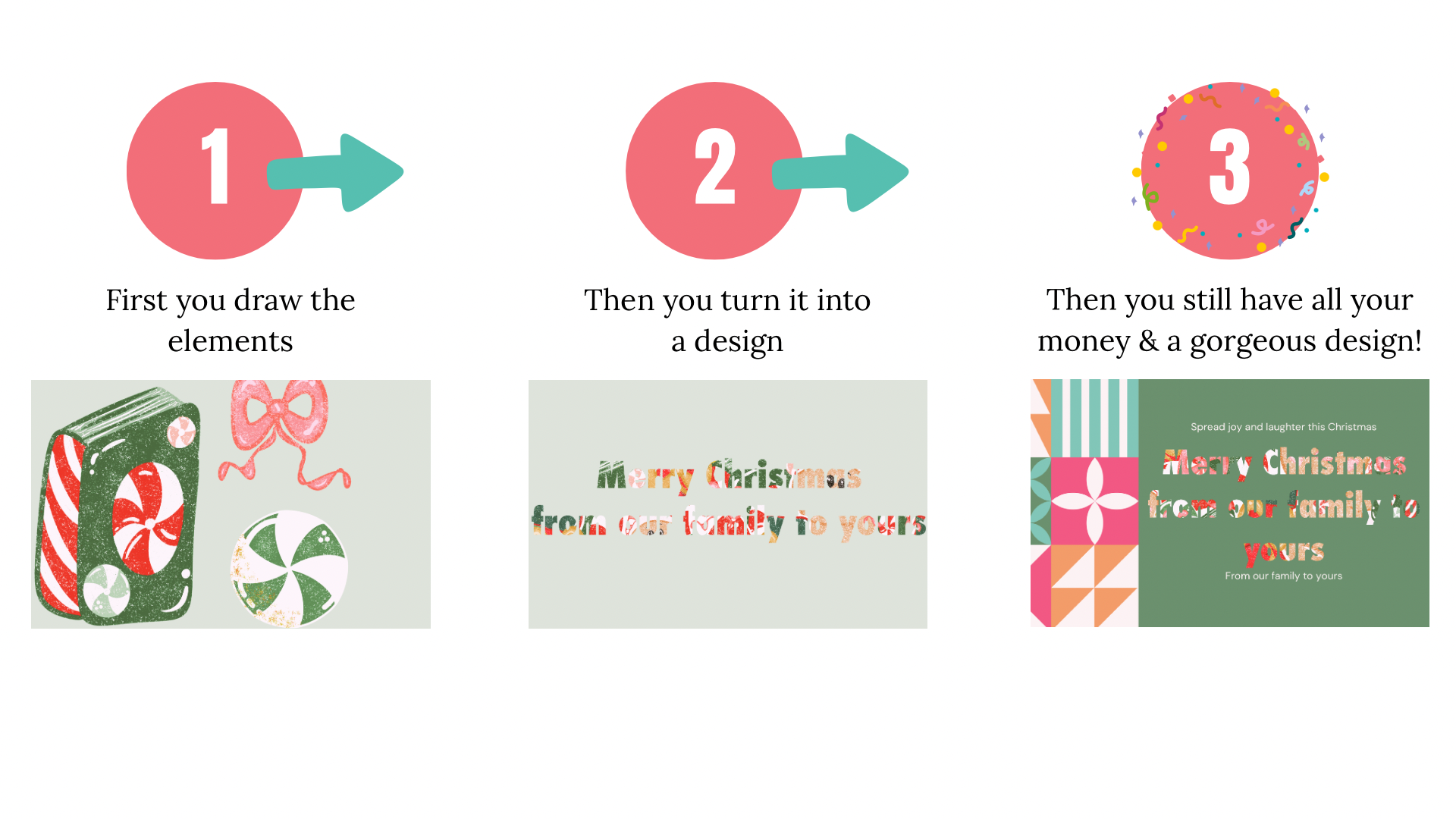
Why learn this skill?
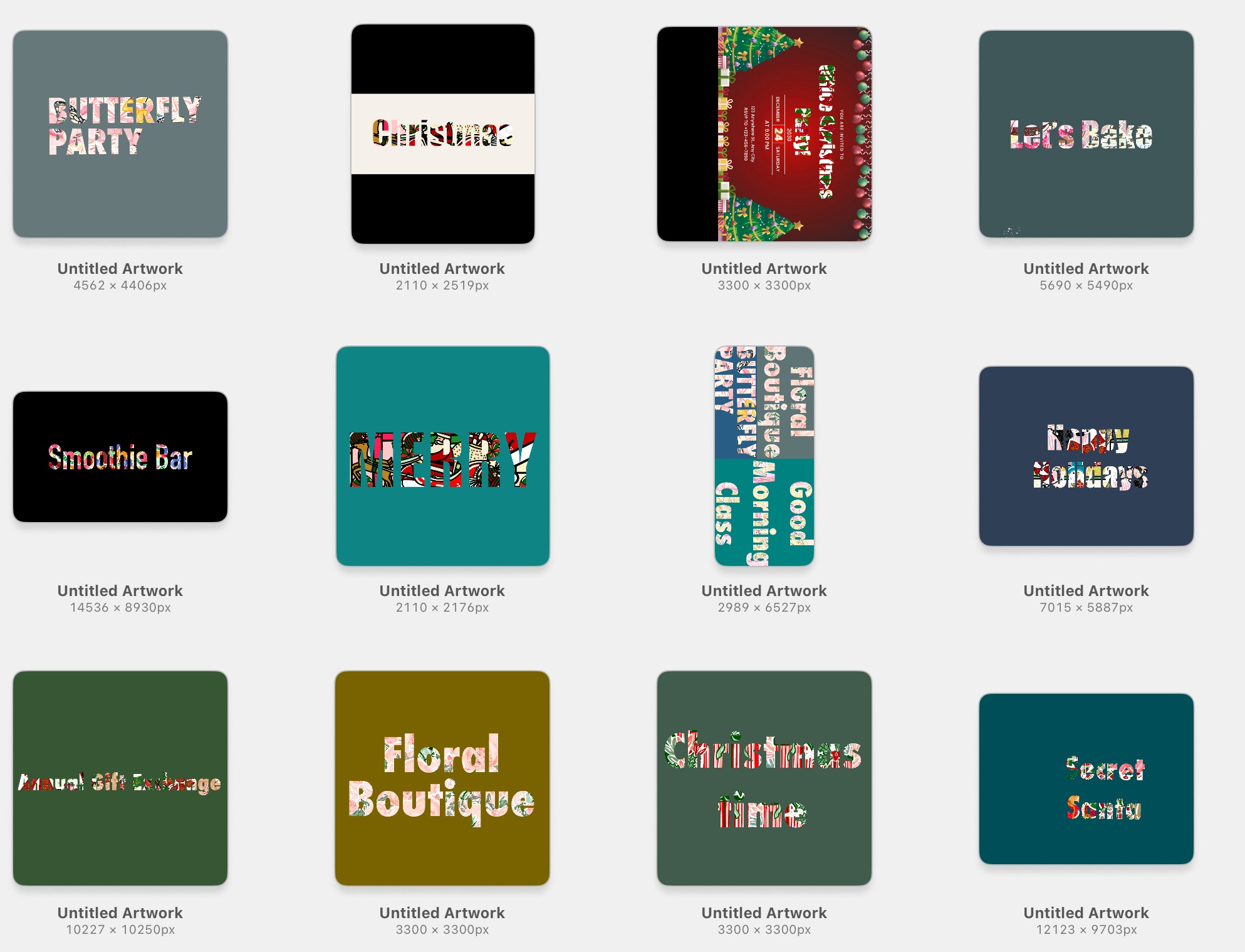
Because these were made & TONS more for 100% FREE
It's true, I save us anywhere from $1-$20+ per project, for every handmade project I make for any occasion! Once you learn the skill to make your own elements, the uses and the savings are limitless.
In fact, it's how I can make these gorgeous designs for FREE whenever and however I want! As Someone self-employed, with no steady income yet, saving money and limiting my spending is crucial, and this skill is a life-saver!
Who's this for?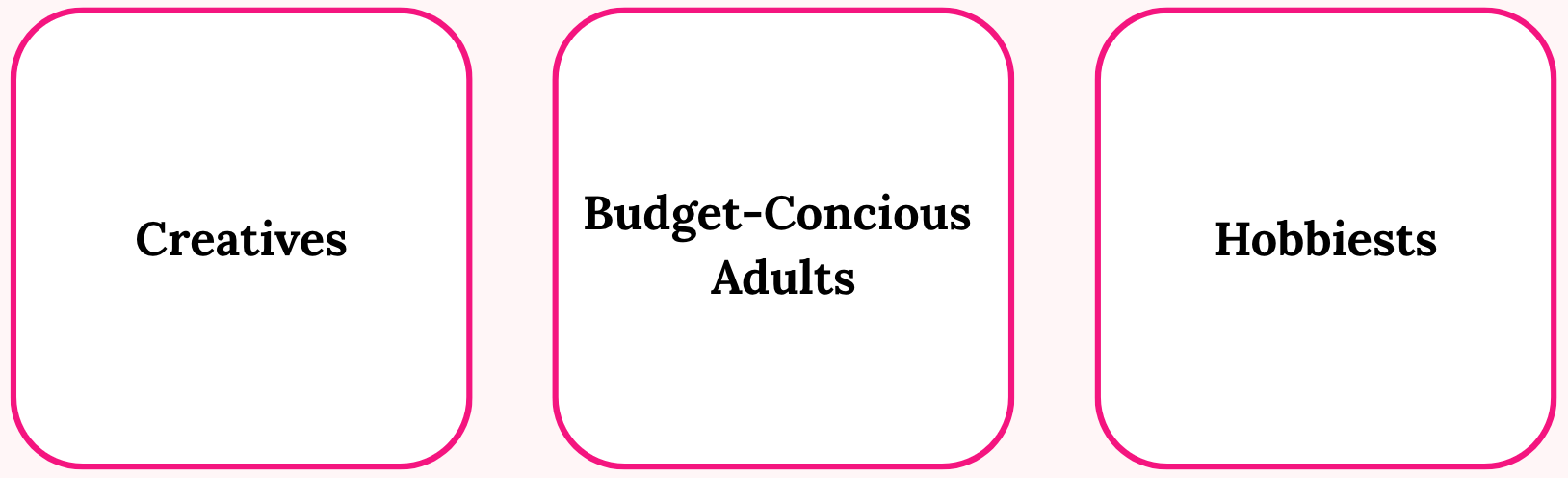
✨ Anyone on a budget who wants gorgeous custom designs without paying for templates
✨ People who want full creative control over invitations, social posts, or personal projects
✨ Self-employed who're tired of settling for limited free options to use
✨ Those who want to save money fast!
You have 2 choices:
Option 1: Keep wishing for designs you could make yourself
Option 2: Invest $27. Save money & have FULL creative control and ownership
I know which one I would choose
An iPad that supports the Procreate App; I have tested it on an older iPad Air we have, which doesn't support it. You also need a stylus; it can even be a free stylus like the ones convention vendors give away. If you want the easiest use, though, I do recommend the official Apple Pencil. I have the Pro, but if you don't have either of those, you can just use your finger. No biggie!
You absolutely can! But full disclaimer, I do not cover this, nor am I an expert on that, but it is 100% an option, as long as it's done ethically. I do hope to learn more about it and make a course on it in the future so I will keep you posted!
Yes, intentionally. Tracing is used as a learning tool to help you understand, clean edges, depth, outlines, line flow, etc. This is about training your eye and hand, not claiming work from someone else as your own. You'll still learn how to apply the same techniques to your own designs.
It may "seem" like a better deal, but think about it this way: you buy a dollar's worth of something, which is money lost, even if it's "only a dollar". But also, they were made by someone else, so you would never have full ownership of them. And it's very unlikely you will even use them all so they would take up space on your device. And lastly, it will be astronomically unlikely not to be a pack of every element you'll ever want or need for the projects you are making now or in the future, so there goes another dollar, and another, and another, and so on. It's so much more worth it to invest in infinite possibilities when you get to decide what you create, what goes on your project, and how much money you still have in your pocket.
Literally anywhere (whether it's digital or physical): -Birthday Invites -Place Settings -Holiday Cards -Event Posters -Digital Stickers for your digital notetaking -Posters on your wall at home -t-shirts -Websites -Phonecases and countless more! (Full Disclaimer: Not all of these are free to recieve some require purchase but anything you choose to do with your design is 100% up to you!)
Nope! I will show you every click, swipe, button, setting, number, etc, I make throughout this whole course, so not only is it easy to follow along, but it's so much simpler to do once you understand what each setting does. Once you keep practicing, it will continue to get easier and easier.
That's ok! I still sometimes draw a blank when I feel like drawing, but I have no idea what to draw or how to make it creatively. That's why I heavily go over this inside my course, and when you unlock access to this course, you will gain access to my creativity prompts that will help you never run out of ideas!
Yes, after purchase, you gain lifetime access to current and future updates and replays! And also, as someone with a 504 plan and learning comprehension struggles, I intentionally made this for those who appreciate non-rushy learning and stress-free environments.
100%! I think it is actually a very good idea for kids to learn not just this skill but allow themself to truly embrace themself without being cornered by grades and whatnot all the time.
Let's be real about this:
This DOES save you a lot of money, but it does mean that you must:
✓ put the time and effort into creating something
✓ think outside the box
✓ be open to learning
✓ understand that practice=progress (and that's beautiful)
The difference between those who keep their money and those who don't? The ones who put the extra effort in and understand the amazing tradeoff!
This isn't just done with a snap of your fingers; it takes effort and a little time. But it is so worth it because you get to put that saved money to better use later!